
- FLUX 3 is not one release. Black Forest Labs announced it on July 23, shipped FLUX 3 Video on August 4 and FLUX 3 Image on October 1, 2026. The October launch is the one everyone is talking about now.
- Free? No. There is no published free tier: you buy credits (1 credit = $0.01) and the Playground costs the same as the API.
- Open weights? Not for Image or Video. FLUX 3 Image weights are commercial-license only. The only open FLUX 3 model is FLUX 3 Action (robotics, 7B). A “FLUX 3 Dev” is announced but not out.
- Price: $0.048 per 1K image, $0.10 at 2K, $0.607 at 4K. Video from $0.17 per second at HD, $0.06 in draft mode.
- The new trick: bounding-box prompts. You place every element on a 0-1000 grid and edit objects box by box.
FLUX was the open model that made Black Forest Labs famous: FLUX.1 [dev] ran on home GPUs and filled Hugging Face with fine-tunes. FLUX 3 changes that deal. The headline models are API-only, priced per image and per second, and the search results are full of people asking the same two questions: is it free, and where are the weights. Here are the answers, with every number taken from BFL’s own pricing and docs pages.
What Is FLUX 3?
FLUX 3 is Black Forest Labs’ multimodal model family for images, video with audio, and robot actions. It arrived in pieces:
| Date | Release |
|---|---|
| July 23, 2026 | FLUX 3 announced in early access |
| August 4, 2026 | FLUX 3 Video generally available (text to video, image to video, native audio) |
| August 20, 2026 | FLUX Video Upscale to 2K and 4K |
| September 23, 2026 | FLUX 3 Action, open weights, for robotics and games |
| October 1, 2026 | FLUX 3 Image |
There is no pro, dev and schnell split this time. Image is one model with resolution tiers, and Video has a Standard and a cheaper Draft mode.
Is FLUX 3 Free?
No. BFL does not publish a free tier or free trial credits for FLUX 3. The pricing page is plain: “1 credit = $0.01 USD”, and the Playground charges the same as the API. A $10 top-up buys about 200 images at 1K.
The cheapest ways to try it:
- FLUX 3 Video Draft mode at $0.06 per second renders a quick HD preview at about a third of the full price, so you only pay full rate for the clip you keep.
- 768 x 768 images at $0.041 each are enough to test a prompt before you render at 2K or 4K.
- OpenRouter lists both FLUX 3 Image and FLUX 3 Video, which is handy if you already have credits there.
During launch week BFL ran FLUX 3 Image at half price until October 8, 2026. Check the pricing page before you assume that discount still applies.
Is FLUX 3 Open Source?
Mostly no, and this is the biggest change from FLUX.1:
| Model | Weights | License |
|---|---|---|
| FLUX 3 Image | Not public, commercial license via sales | Commercial weights license |
| FLUX 3 Video | Not public | API only |
| FLUX 3 Action | Open on Hugging Face (black-forest-labs/flux-3-action-base) | FLUX Kommunity License: non-commercial, plus commercial output use for companies under $5M revenue |
| FLUX 3 Dev | Announced, not released | Not published |
FLUX 3 Action is a 7B “world action model” for robots and game agents, not an image generator. BFL’s docs report about 32 GB of GPU memory for BF16 inference on Linux with an NVIDIA card. If you were hoping to run FLUX 3 Image on your own GPU the way you ran FLUX.1 [dev], that is not possible today. Krea is in the same spot, see whether Krea 3 has open weights . The Hacker News launch thread was full of “open weights or bust” comments for exactly this reason.
FLUX 3 Pricing
FLUX 3 Image, per image:
| Resolution | Price |
|---|---|
| 768 x 768 | $0.041 |
| 1K (about 1 MP) | $0.048 |
| 1.5K | $0.07 |
| 2K | $0.10 |
| 4K (native) | $0.607 |
FLUX 3 Video, per second of output:
| Mode | HD | Full HD | QHD | UHD (4K) |
|---|---|---|---|---|
| Text or image to video | $0.17 | $0.29 | $0.40 | $0.80 |
| Draft | $0.06 | - | - | - |
| Video continuation | $0.41 | $0.53 | $0.65 | $0.95 |
A 10-second Full HD clip costs $2.90. The same clip as a draft costs $0.60. Video Edit [fast] is $0.03 per second.
For comparison, Nano Banana 2.1 costs $0.0336 per 1K image and $0.0756 at 4K, so FLUX 3 Image is the pricier option at every size, and by a wide margin at 4K.
What Can FLUX 3 Do?
Image: native 4K output (BFL’s samples are 5456 x 3072), up to 10 reference images per request, aspect ratios from 21:9 to 9:21, and a “grounding” step that searches the web before generating so real products and places come out right.
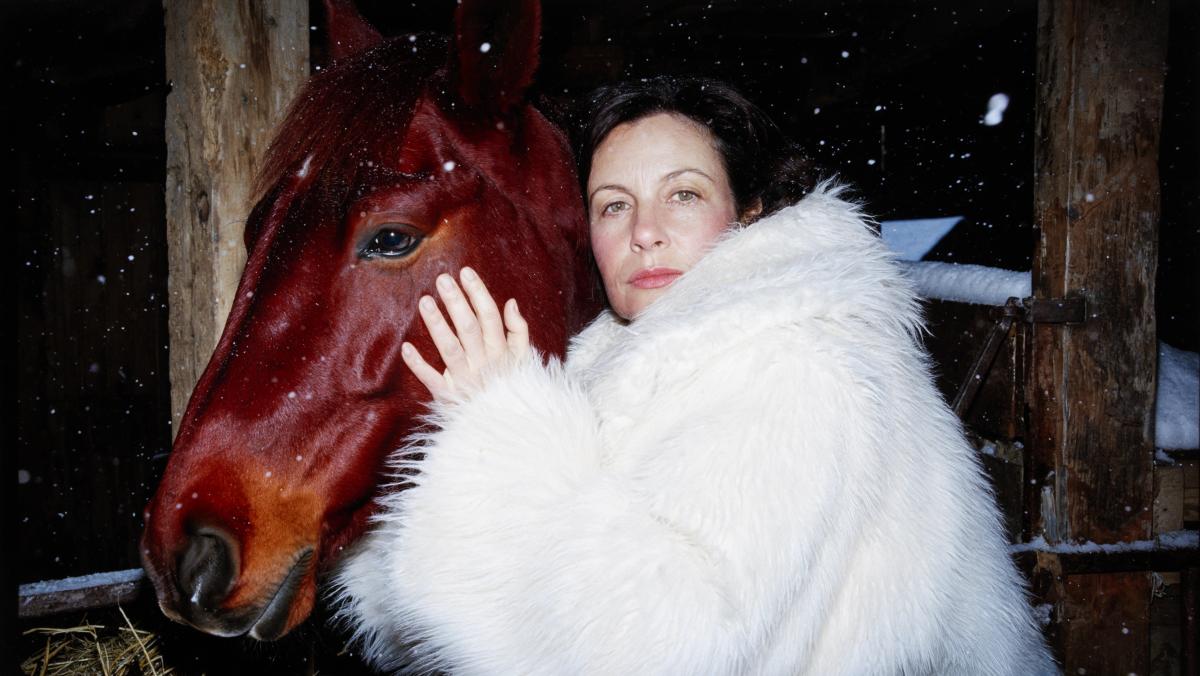

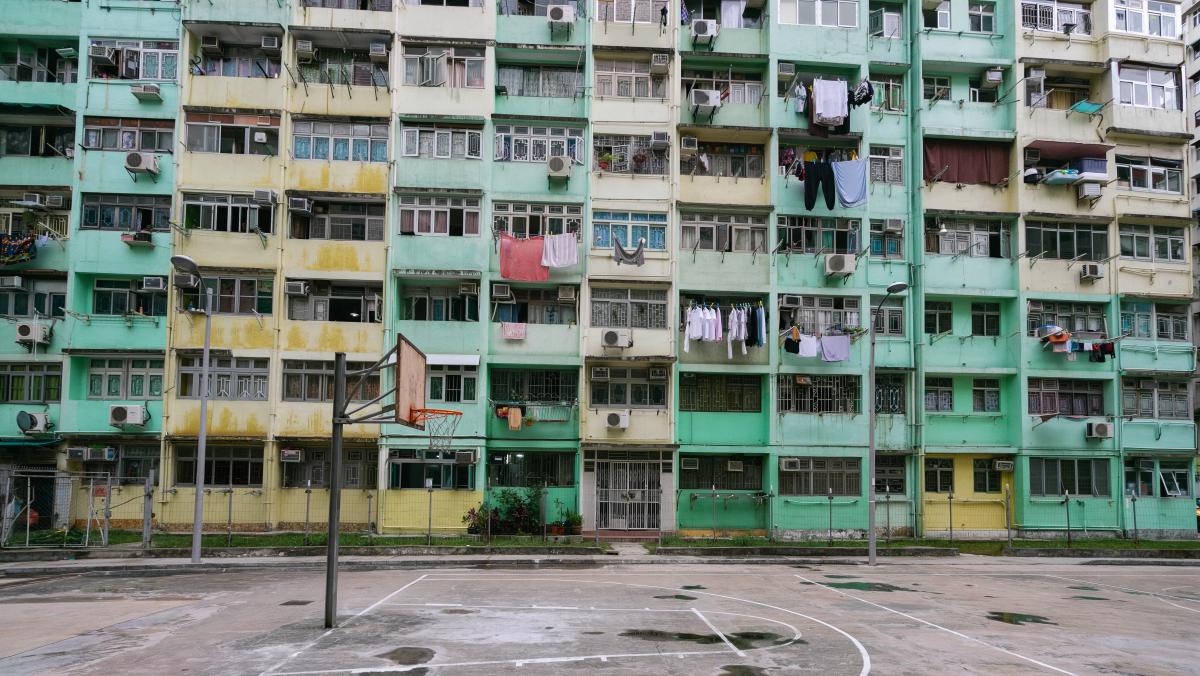
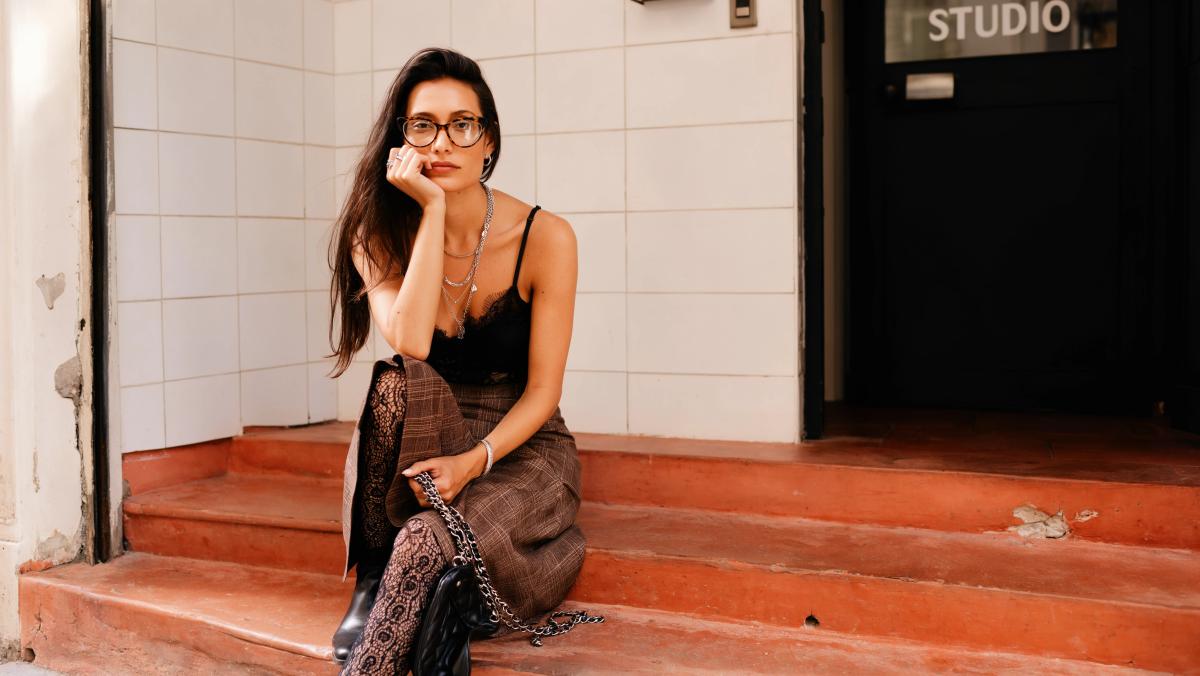
Video: 5 to 20 second clips at 24 fps, up to 3840 x 2176, with native audio and lip-synced dialogue. BFL lists Turkish among the dialogue languages, next to English, Chinese, Spanish, Japanese and others. You can pin up to 10 keyframe images to exact seconds, and multi-shot clips cut between angles inside one generation, like the helicopter video at the start of this post.
Sound is not a separate pass either, it is generated with the picture. In the clip below the speech, lip movement and ambient sound all come out of one generation:
Multi-shot also means consistency across angles. In this test one prompt produced the same woman, same apple and same moment from four cameras at once:
Bounding-Box Prompts
This is the feature that sets FLUX 3 Image apart. Instead of describing a scene in one paragraph and hoping the model puts things in the right place, you give it a short caption plus a list of elements. Each element has an id, a description and a box on a 0-1000 grid, written as [y_min, x_min, y_max, x_max]. The caption refers to elements by their ids.
The same boxes work for editing. Mark one object, say what it should become, and lock the rest as unchanged:


A layout request has this shape (simplified; field names and the full format are in BFL’s bounding box docs ):
Caption: A rainy Tokyo street at night, <shop_1> glowing on the right, <bike_1> parked in front of it.

Elements:
shop_1  [150, 450, 900, 1000]  a small soba restaurant with red paper lanterns
bike_1  [600, 300, 900, 520]   an old black city bicycle, wet from the rain
You do not have to compute coordinates by hand. BFL’s Playground lets you draw the boxes, and an LLM can plan the layout for you from a plain description.
FLUX 3 vs Seedance and Kling
This is the kind of clip early testers shared most: handheld, first-person, busy scenes with sound. For a head-to-head, BFL has published only its own preference tests, so read these as the vendor’s numbers, not an independent benchmark. In BFL’s blind comparisons of 10-second 720p clips, viewers preferred FLUX 3 Video over:
| Competitor | FLUX 3 preferred |
|---|---|
| Luma Ray 3.2 | 93% |
| Runway Gen-4.5 | 77% |
| Grok Imagine Video | up to 69% |
| Kling v3 Pro | 60% |
| Seedance 2.0 | 52% |
| Gemini Omni Flash | 52% |
So by BFL’s own count, FLUX 3 Video clearly beats Kling v3 Pro and is roughly a coin flip against Seedance 2.0. For FLUX 3 Image, BFL has published no comparison against Nano Banana or GPT Image at all. If you are choosing a video model on price, see our Kling 3.0 pricing breakdown for the credit math on the other side.
How to Use FLUX 3
In the browser: sign in at BFL’s Playground (playground.bfl.ai), add credits, pick FLUX 3 Image or Video, and generate. Boxes are drawn directly on the canvas.
Through the API: create an API key in the BFL dashboard and send a request. The call returns a polling URL; you poll it until the status is Ready, then download the result.
curl https://api.bfl.ai/v1/flux-3-image \
  -H "x-key: $BFL_API_KEY" \
  -H "Content-Type: application/json" \
  -d '{"prompt": "A rainy Tokyo street at night, a soba shop with red lanterns", "aspect_ratio": "16:9"}'

# then poll the returned polling_url
curl "$POLLING_URL" -H "x-key: $BFL_API_KEY"
Two things trip people up: the signed result URL expires after one hour (two for video), so download right away, and unknown fields such as seed or width are rejected with an HTTP 422 instead of being ignored.
The Catch
Early users in the Hacker News launch thread liked the box control, with one reporting three of four UI element swaps right on the first try. They also listed weak spots: small text still gets scrambled during edits, an edit in BFL’s own showcase recolored more than the marked object, moderation is strict, and the output has the familiar polished “studio light” look. The bigger complaint was the license. FLUX built its community on weights you could download, and for Image and Video those are gone for now.
Frequently Asked Questions
Q: Is FLUX 3 free? A: No. Black Forest Labs publishes no free tier for FLUX 3. You buy credits at $0.01 each, and the Playground costs the same as the API. The cheapest test is a 768 x 768 image at $0.041 or a video draft at $0.06 per second.
Q: Is FLUX 3 open source? A: FLUX 3 Image and FLUX 3 Video are not. Image weights are available only under a commercial license. The only open FLUX 3 model is FLUX 3 Action, a 7B robotics model on Hugging Face under the non-commercial FLUX Kommunity License. FLUX 3 Dev is announced but not released.
Q: When was FLUX 3 released? A: In stages. Announced July 23, 2026, Video on August 4, Action on September 23 and Image on October 1, 2026.
Q: How much does FLUX 3 cost? A: FLUX 3 Image costs $0.048 per 1K image, $0.10 at 2K and $0.607 at 4K. FLUX 3 Video costs $0.17 per second at HD, up to $0.80 at 4K, and $0.06 per second in draft mode.
Q: Is FLUX 3 better than Seedance or Kling? A: By Black Forest Labs’ own preference tests, viewers picked FLUX 3 Video over Kling v3 Pro 60% of the time and over Seedance 2.0 52% of the time. These are vendor numbers, not an independent benchmark.
Q: Can I run FLUX 3 locally? A: Not FLUX 3 Image or Video, their weights are not public. FLUX 3 Action can run locally and needs about 32 GB of GPU memory in BF16 on Linux with an NVIDIA GPU.
Cheers… 🙂