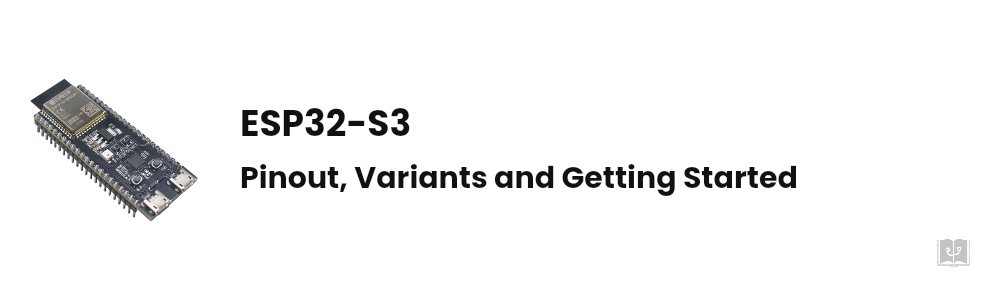
What Is ESP32-S3? Pinout, Board Variants and Getting Started

What Is ESP32-S3? Pinout, Board Variants and Getting Started

Summary: ESP32-S3 in 30 Seconds ESP32-S3 is Espressifโ€™s dual-core Xtensa LX7 MCU running at 240 MHz with Wi-Fi and Bluetooth 5 (LE). 45 GPIOs, 512 KB of SRAM. Three things set it apart from the classic ESP32: built-in USB OTG, 14 touch channels, and a vector instruction set for neural-network workloads. Codes like N8R8 and N16R8 on the board are not arbitrary: N = flash, R = PSRAM, numbers in megabytes. The board has two USB ports and they behave differently. This is where beginners get stuck. GPIO35, GPIO36 and GPIO37 are unusable on many variants, GPIO19 and GPIO20 belong to USB, and four pins do double duty as strapping pins. Depending on the board revision, the RGB LED sits on either GPIO48 or GPIO38. If your blink sketch does nothing, check that first. If you have built something with an ESP32 and then tried to add a camera, audio, or a color display, you have probably hit the wall: not enough pins, not enough RAM, no USB. ...

August 10, 2026 ·  10 min ·  2069 words
Adafruit GFX Library Guide: Every Function, Fonts and Bitmaps Explained

Adafruit GFX Library Guide: Every Function, Fonts and Bitmaps Explained

Adafruit GFX is the layer nearly every Arduino display library sits on top of. Adafruit_SSD1306, Adafruit_ILI9341, Adafruit_ST7735, the e-paper libraries and dozens of third party drivers all inherit from it, which is why the same drawLine call works on a 128x64 monochrome OLED and on a 320x240 colour TFT. The catch is that the drawing functions live in the base class while the colours, the constructor and the buffer behaviour come from the driver. That split is where most of the confusion comes from. This guide covers the whole API in one place. ...

August 7, 2026 ·  8 min ·  1550 words
Arduino OLED SSD1306 128x64 I2C Tutorial: Wiring, Code and Animation

Arduino OLED SSD1306 128x64 I2C Tutorial: Wiring, Code and Animation

The 0.96 inch blue OLED is a staple of Arduino projects. It is cheap, it needs two wires, and because it has no backlight its black is genuinely black. Yet half the people wiring one up for the first time end up staring at a blank panel. This guide runs end to end: picking the module, wiring, finding the I2C address, choosing a library, drawing text and shapes, showing bitmaps, building an animation, and fixing the six problems that come up most often. ...

August 7, 2026 ·  10 min ·  1974 words
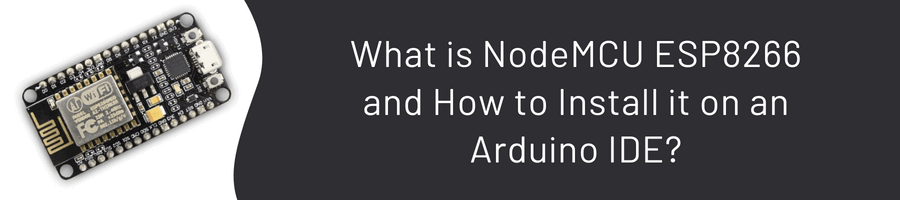
What is NodeMCU ESP8266 and How to Install it on an Arduino IDE?

What is NodeMCU ESP8266 and How to Install it on an Arduino IDE?

What is NodeMCU? NodeMCU is actually the name of a firmware developed to program ESP8266 with the Lua language. Since such Dev Kit cards are very popular, these cards are called NodeMCU for short. Since NodeMCU is an open source platform, the hardware design is open to editing, modifying, and rebuilding. The NodeMCU Dev Kit/board consists of the ESP8266 wifi-enabled chip. The ESP8266 is a low-cost Wi-Fi chip developed by Espressif Systems with the TCP/IP protocol. ...

September 24, 2022 ·  2 min ·  307 words
What is HC-SR04 with Arduino and How to Use It?

What is HC-SR04 with Arduino and How to Use It?

Hello everyone, in this blog, I will tell you what HC-SR04 is, its features, and detailed use. Come easy! ๐Ÿ˜ What is and How Does It Work HC-SR04 is an ultrasonic sensor, i.e. Sound Navigation and Ranging. Sonar is a sensor that calculates the distance to the opposite object or object using communication. Sonar allows us to calculate the distance to the object using sound waves. It can measure distances between approximately 2cm and 400cm. ...

September 23, 2022 ·  3 min ·  482 words